
Touch Screen Laptops: Factors To Consider For Performance, Display, And Battery Life

Battery Capacity, Power Management, and Usage Patterns
Battery capacity is typically expressed in watt-hours (Wh) and provides a baseline for potential run time, but actual longevity depends on component efficiency and workloads. A larger Wh rating may support longer use under comparable conditions, but power draw from the display and processor can offset that advantage. Power management features such as CPU power states, adaptive display brightness, and operating system-level energy profiles influence real-world results. Some manufacturers expose multiple power modes that shift core frequencies, screen brightness, and background activity to balance performance and endurance.
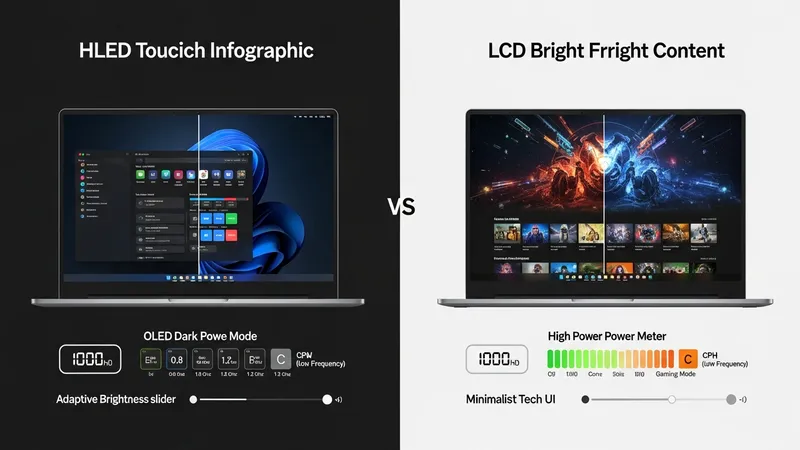
Display-related power consumption often dominates in touch screen laptops, particularly when panels are bright or high in resolution. OLED behavior differs by content—dark interfaces can reduce power draw, while bright full-screen content may increase it relative to an LCD. Touch polling and active pen support add incremental consumption, usually modest but still measurable in tight battery budgets. Fast-charging capabilities can provide practical convenience for intermittent use, yet frequent fast-charge cycles and high operating temperatures may affect long-term battery capacity in complex ways.
Usage patterns strongly determine observed battery life: light web browsing and document editing generally consume far less power than video playback, gaming, or intensive compute tasks. Background synchronization services and peripheral connections such as external drives or high-power USB devices can shorten runtime. Testing under representative scenarios—such as continuous video playback at fixed brightness, mixed productivity with web conferencing, or rendering workloads—can reveal how a particular model behaves. Manufacturers’ lab figures often use standardized benchmarks that may not align with every user’s routine.
Maintenance and software updates can influence power management over a device’s lifecycle. Firmware and driver updates sometimes adjust power profiles or improve thermal responsiveness, which can alter battery behavior and sustained performance. Battery health monitoring and calibration practices can help users track capacity changes over time; however, battery chemistry naturally degrades with charge cycles and exposure to high temperatures. Considering expected usage patterns and potential lifecycle effects may assist in setting realistic expectations for endurance.