
Touch Screen Laptops: Factors To Consider For Performance, Display, And Battery Life

Touch screen laptops combine a traditional clamshell or convertible form factor with a display that accepts direct finger or stylus input. Key considerations for such devices center on three interlinked areas: performance, display, and battery life. Performance involves the processor architecture, memory bandwidth, and storage speed that determine responsiveness during multitasking and content creation. Display considerations cover panel type, touch sensor technology, resolution, brightness, and color accuracy, which affect usability in different lighting and workflow contexts. Battery life depends on cell capacity, component efficiency, and software power management and can vary substantially with display settings and workload.
When assessing touch screen laptops, users often weigh trade-offs among raw compute capability, display quality, and energy efficiency. For example, higher-resolution touch panels may increase visual clarity but can demand more from the graphics subsystem and draw more power. Convertible hinges and thicker chassis that support cooling for faster processors can add weight, which influences portability. Operating system choices and driver maturity also affect how reliably touch input and stylus features perform. Understanding these interacting factors can clarify why some models emphasize slim design while others prioritize sustained performance.
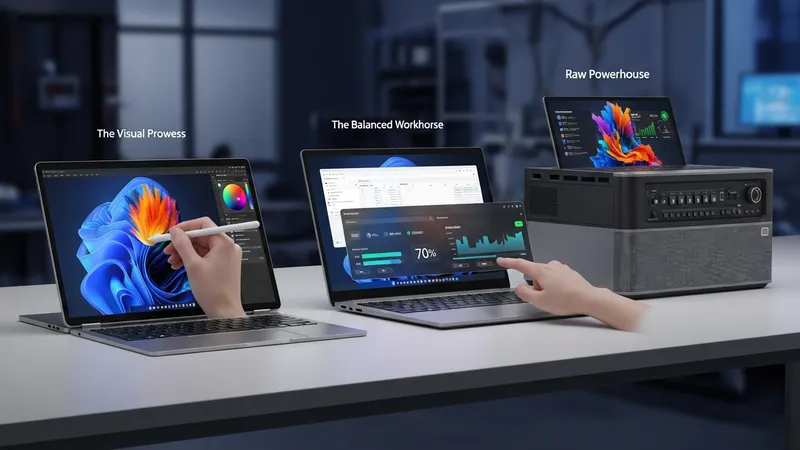
- HP Pavilion x360 series — mainstream convertible laptops typically offering 2-in-1 hinges and capacitive touchscreens, commonly positioned in mid-range segments with varied CPU and display configurations.
- LG Gram 2-in-1 models — lightweight designs that focus on thinness and long battery endurance while including touch-enabled panels and active pen support in some configurations.
- Dell Inspiron 14 2-in-1 variants — mainstream convertible options that balance performance components with touch-capable displays and differing thermal designs across SKU options.
Performance components in touch screen laptops often include low- to mid-power processors designed to fit thinner chassis and conserve battery. Clock speeds, core counts, and thermal design power (TDP) ratings may indicate typical sustained throughput but are influenced by cooling capability; a laptop with a modest TDP and limited cooling can exhibit throttling under sustained load. Integrated graphics are common in many touch devices, and may handle general multimedia and light creative tasks, while discrete graphics appear in thicker designs that allow for additional cooling. Storage type—NVMe SSD versus SATA—can affect app load times and overall system fluidity.
Display attributes directly affect both user experience and energy draw. Panel technology choices such as IPS, OLED, or VA determine contrast, viewing angles, and color rendering. Touch layers add a digitizer and may slightly reduce perceived sharpness or increase reflectivity; manufacturers sometimes add anti-reflective coatings or higher brightness to compensate. Resolution and pixel density influence interface scaling and text clarity, and higher refresh rates can improve perceived smoothness but may also increase power consumption. Active stylus support typically requires an additional digitizer layer and supported driver stack for pressure sensitivity and palm rejection.
Battery life in touch screen laptops is shaped by measurable factors such as battery capacity (watt-hours), power draw from the display and CPU, and software power management settings. Displays, particularly brighter panels or OLED screens, can be among the largest power consumers. Power profiles and adaptive brightness behaviors may extend usable time in light workloads; conversely, sustained CPU or GPU use under heavy workloads may reduce run time. Fast-charging features can restore usable capacity quickly, but charge cycles and thermal conditions influence long-term battery health. Measured run times in real-world scenarios often differ from manufacturer claims.
When comparing the example models above, trade-offs commonly emerge: designs like the HP Pavilion x360 may offer broader configuration choices that impact cost and performance balance, while LG Gram 2-in-1 units tend to prioritize low weight and extended battery life at the expense of very high sustained thermal throughput. Dell Inspiron variants often present mid-range thermal solutions that aim for balanced everyday performance. Such model differences illustrate that display, performance, and battery attributes typically reflect a manufacturer’s design priorities rather than a single ideal. Evaluations that consider intended workloads, portability needs, and touch input requirements can clarify which combinations may be most suitable.
In summary, touch screen laptops require evaluation across performance components, display characteristics, and battery design because these areas interact and influence overall user experience. The examples listed illustrate common device classes—mainstream convertibles, ultralight 2-in-1s, and balanced mainstream models—and how design choices can shift trade-offs among responsiveness, visual quality, and endurance. The next sections examine practical components and considerations in more detail.