
Jira Automation: Streamlining Workflow Processes For Teams

Configuring and Managing Automation Rules in Jira
Setting up automation rules in Jira generally involves using the platform’s interface to select triggers, conditions, and actions from predefined menus. For more advanced requirements, teams may use custom fields, smart values, and branching to extend functionality. Documentation from Atlassian and community support resources are widely available to guide the configuration process.
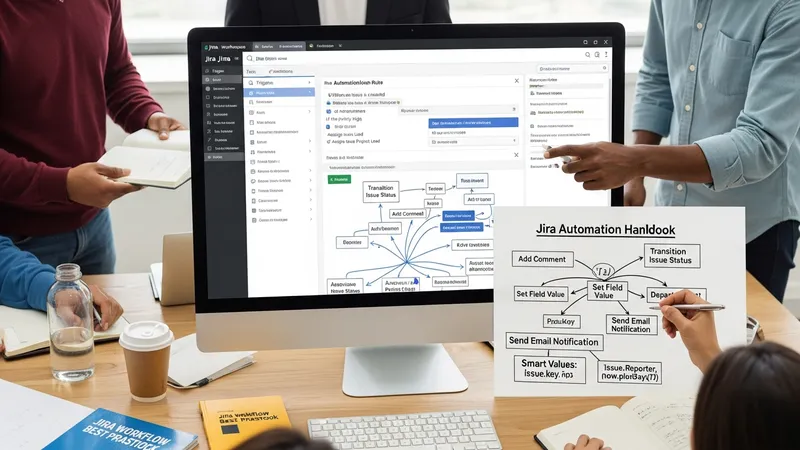
Managing automation in active environments requires continuous oversight. It is advisable to document each rule’s purpose, intended outcome, and revision history. Many organizations implement periodic audits to ensure automations remain relevant and do not conflict with newer rules or processes. Testing rules in a staging environment before deployment can help minimize the risk of unintended changes.
Role-based access control is an important management consideration, as only designated administrators typically have permission to create or modify automation rules. This approach maintains rule integrity and reduces the potential for accidental system-wide changes. Notification settings and rule logs further aid in tracking which automations have been executed and their impact on workflow activities.
Looking ahead, ongoing evaluation of rule performance and regular user feedback can inform updates or new automation rule creation. As project requirements shift, keeping automation aligned with team practices ensures continued workflow stability and value from the Jira automation framework.