
Jira Automation: Streamlining Workflow Processes For Teams

Key Components of Jira Automation Rules
The fundamental structure of a Jira automation rule consists of three main elements: triggers, conditions, and actions. Triggers are events within Jira that initiate the automation, such as issue creation or a field update. These are often built-in to cover a range of common project activities. By starting rules with a trigger, teams can specify exactly when an automated process should begin.
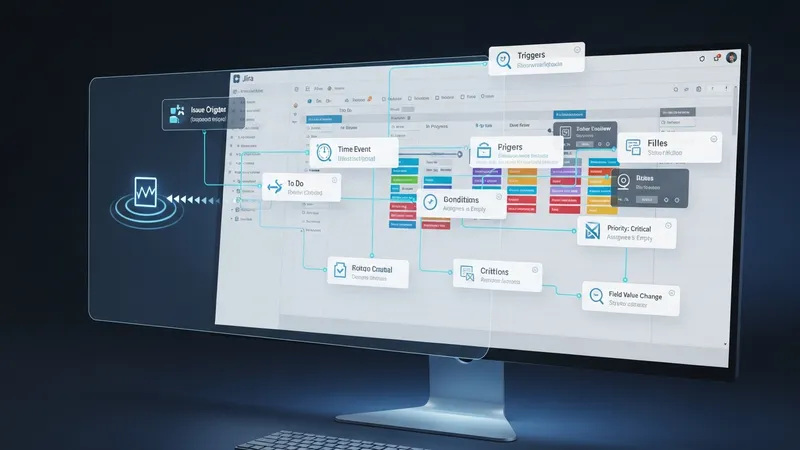
Conditions are the next component and typically act as filters. They determine if the rule should proceed based on specific criteria, such as the type of issue, project, or field values. Conditions are optional but offer fine-tuning of automation, allowing users to exclude or include only relevant scenarios, which can help control rule complexity and relevance to the workflow.
Actions complete the rule by defining what happens when all conditions are satisfied. Common actions may include updating fields, transitioning issues to another status, assigning work, or sending notifications. Multiple actions can be combined within a single rule, and some Jira plans provide options for branching logic or delayed actions as part of the configuration.
The interplay among triggers, conditions, and actions forms the basis for process automation in Jira. This modular approach enables both straightforward and sophisticated workflows, from single-step automations to multifaceted, organization-wide rules. Understanding this structure is essential for aligning automation design with specific project or organizational needs.