
Google Business Automation: Streamlining Workflows With Integrated Tools

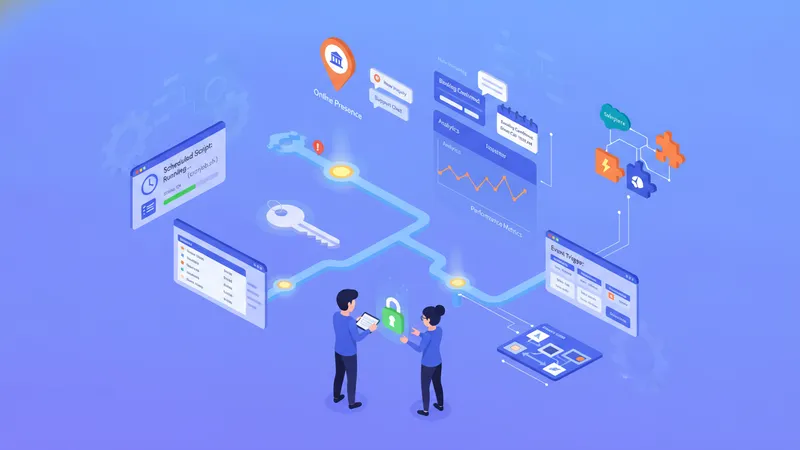
Many organizations use automation to reduce repetitive work around their online presence and customer interactions. In the context of Google-related services and connected tools, automation typically involves linking profile management, messaging, booking, and reporting functions so routine activities run with minimal manual input. This approach often relies on application programming interfaces (APIs), scheduled scripts, event triggers, and third-party connectors to move data between systems, update business listings, and route customer messages. The aim is to make operational processes more consistent and to free human time for tasks that require judgment or personalized attention.
Technical implementations vary by scale and purpose. Small teams may use script-based automations that run at scheduled intervals, while larger operations may adopt event-driven integrations that respond in real time to profile changes, incoming messages, or new reviews. Common elements include authentication and permission handling, data mapping between systems, logging for auditability, and rules that control when and how actions execute. Planning typically emphasises maintainability and transparent error handling so that automated steps can be monitored and corrected when behaviours deviate from expectations.
- Zapier — a connector platform that can link a Google business profile with CRM, calendar, or messaging services; often used for simple event-triggered workflows.
- Make (formerly Integromat) — a visual automation builder that can orchestrate multi-step sequences between Google services and external APIs, typically used for conditional data transforms.
- Google Apps Script — a scripting environment for automating tasks across Google Workspace and Google APIs; commonly selected for custom, script-driven automations that run on schedules or triggers.
When comparing integration approaches, it can be helpful to consider complexity, control, and maintenance. Connector platforms may reduce development time but can impose limits on customization and introduce subscription costs, whereas scripting offers fine-grained control at the cost of developer effort. Data flow design often maps business profile fields, customer messages, and appointment entries to internal records; this mapping should handle variations in input and preserve source timestamps. Teams frequently adopt a hybrid model where scripts manage bespoke logic and connectors handle standard transfers to third-party systems.
Automation frameworks commonly separate orchestration, transformation, and execution layers. Orchestration determines which sequence of steps to run, transformation converts data formats, and execution performs API calls or updates. This separation can make unit testing and incremental changes less risky. Logging and tracing are often treated as cross-cutting concerns so diagnostic information is available when outcomes differ from expectations. Access control is typically applied per layer so credentials for external systems are stored and rotated independently from orchestration logic.
Customer-facing automations usually prioritise safe handling of messages and reviews. Systems can route incoming messages to inboxes, send templated acknowledgements, or create internal tickets for follow-up. Review management workflows may flag content for human review before any public reply, and may archive review data for reporting. It is typical to maintain configurable thresholds so automated responses apply only in straightforward scenarios and escalate ambiguous or sensitive cases to staff. Audit trails often capture the automated action, the triggering event, and any manual edits that follow.
Reliability and error handling are central to operational automation. Common patterns include retry policies for transient API failures, dead-letter queues for messages that do not process, and scheduled health checks that validate external integrations. Observability tools and logs can surface trends such as increasing failure rates or slow API responses, which may indicate configuration drift or rate-limit issues. Teams often set conservative retry backoffs and limit concurrent execution to avoid cascading failures across linked systems.
Overall, automating Google-oriented business processes brings technical and organizational considerations: alignment of permissions, privacy controls, and monitoring expectations. Implementations can reduce repetitive work while requiring governance around data access and error remediation. The next sections examine practical components and considerations in more detail.